Rampage
- Version
- 1.1.0
- Blender
- 4.2 – 5.2
- Platforms
- Windows, Linux, macOS
- License
- GPL-3.0
- Released
- November 24, 2026
shadingcolorgeometry nodespresets
About
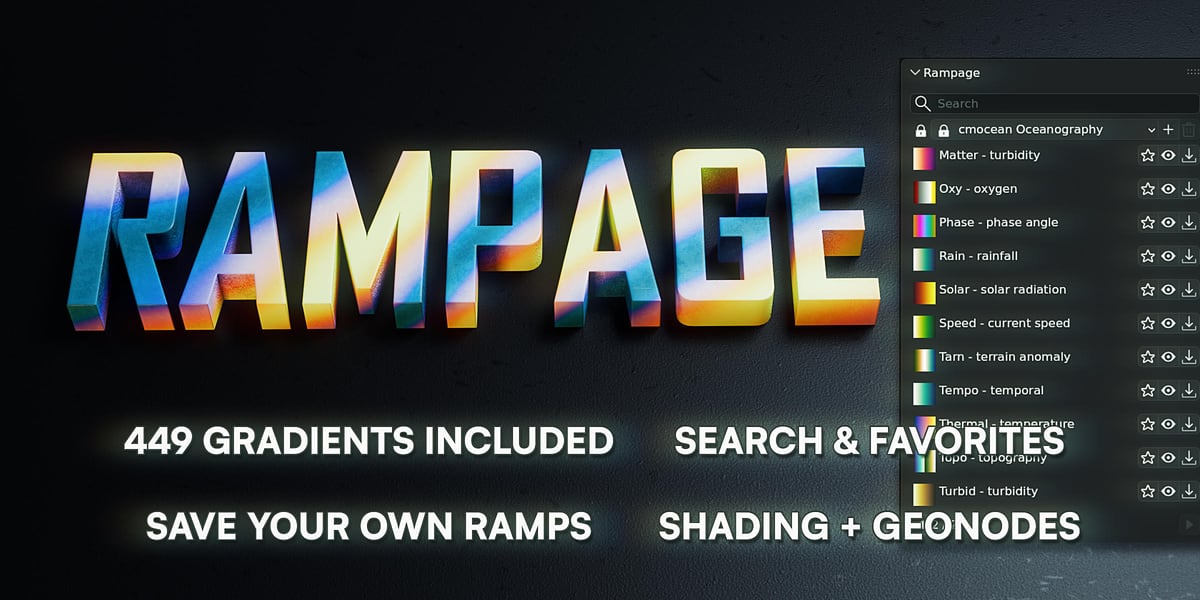
Blender has no real way to keep the Color Ramps built in a project. Rampage is the small fix nobody had gotten around to writing: any Color Ramp can be saved as a named preset and brought back in any project with a single click. It works on the standard Color Ramp node, in the Shader Editor and in Geometry Nodes, so there is nothing new to learn.
Key features
- Save and apply: Save Ramp stores the colors, stop positions and interpolation, and Apply writes them onto the selected node, or creates a new one.
- 505 bundled gradients: scientific colormaps from Matplotlib, Crameri and cmocean, 382 design gradients grouped by hue plus utility ramps for driving values in geometry nodes. All of them ready to be used with zero setup.
- Collections: editable groups of user presets, kept apart from the read-only factory ones, so an update never touches them.
- Search and favorites across every collection.
- Preview overlay: a large preview of any gradient over the node editor, to judge it at size before applying it.
- Outside the .blend: presets are plain JSON files in Blender’s config folder, so a ramp saved in one file is waiting in all the others.